 Il team di CueTwin

In breve
- Recording lessons from a script gives shorter videos, without hesitation, that are easier to update.
- Write one lesson per script and split it into short sections of 2 to 4 minutes each.
- Read at 110–130 words per minute and mark pauses before the important ideas.
- Keep scripts in folders by course or class, and reuse them the following year.
A live class can take hesitations and backtracking; a video can’t. When you record material for students to watch at home, a script read next to the camera cuts the length of the video and the number of takes, and lets you focus on the explanation.
What it’s for in teaching
- Flipped classrooms: students watch the explanation at home and class time goes to practice.
- Online courses and corporate training: short modules, recorded once and used many times.
- Welcome videos and assignment briefs sent to the class.
- Live online classes with notes: the opening, the definitions and the examples that can’t go wrong.
Preparing a lesson to record
- Start with the goalOne sentence: “By the end of this video, you’ll know…”. It’s also the first thing you say.
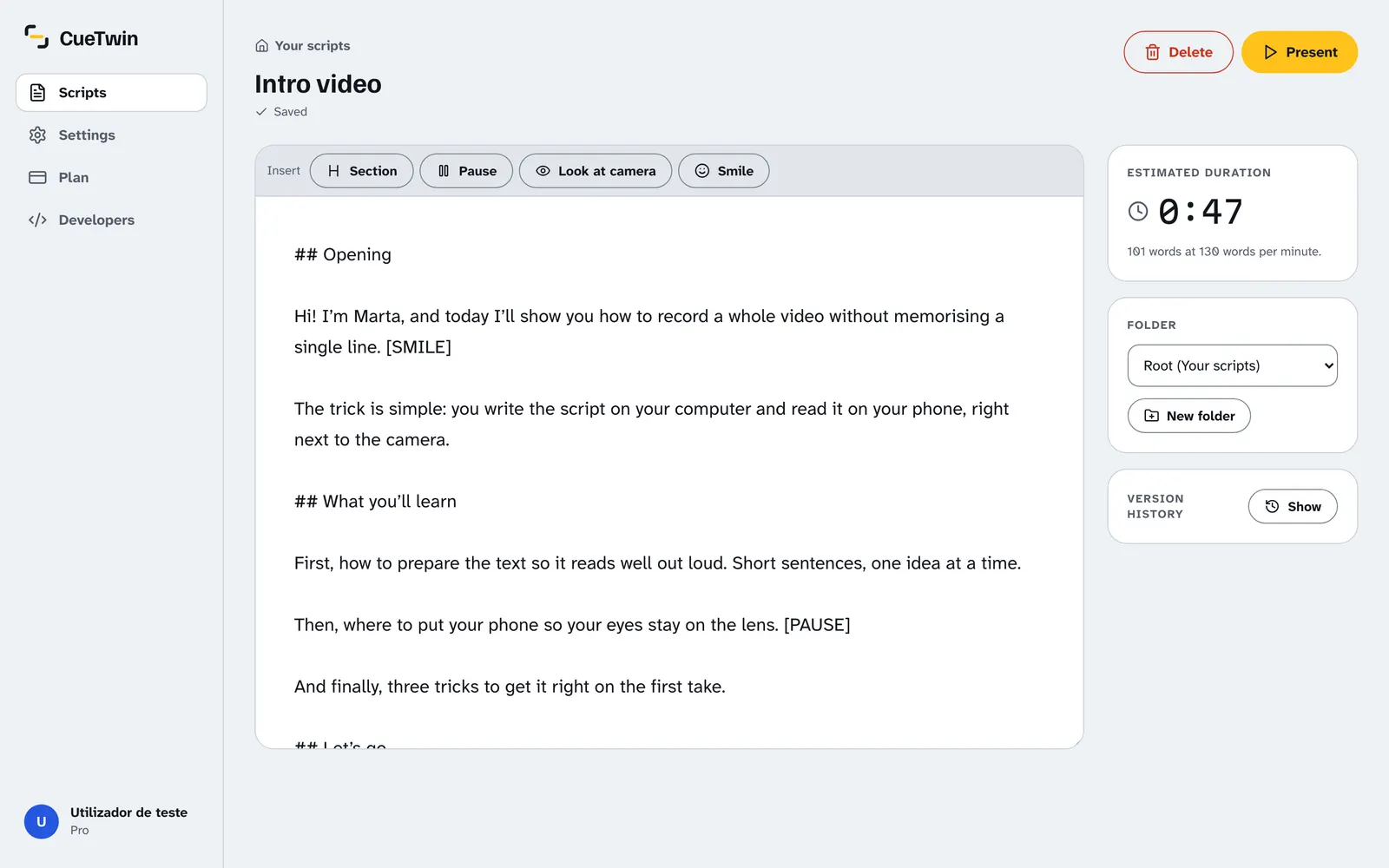
- Split the material into short blocksUse ## for each block. 2 to 4-minute videos are watched to the end far more often than 40-minute lectures.
- Write the examples out in fullThey are the part people improvise most and the part that gets lost.
- Mark the pausesPut [PAUSE] before definitions and where you’ll write on the board or change slides.
- Close with a summaryThree sentences with the essentials and what the student should do next.
Recording without a studio
You don’t need expensive gear. The simplest setup:
- The laptop camera or a phone on a tripod, at eye level.
- The script on a second screen next to the camera: a phone or tablet connected to CueTwin with the QR code.
- A cheap lavalier microphone. In a lesson, sound matters more than picture.
- Light from the front: a window behind the camera, never behind you.
If you record while presenting slides, keep the slides on the computer and read the script on the phone next to the camera. The text moves with your voice and waits while you change slides or write something.
The right pace for teaching
Learners need more time than someone watching an entertainment video. 110 to 130 words per minute is a good range, with pauses after each new idea. More in words per minute.
Consiglio: For technical terms, slow down and say the word twice: once to introduce it and once in an example sentence.
Organise and reuse
With folders by subject, class or course, you find any script in seconds. The following year, open the script, fix what changed and record again, without starting from scratch. Version history keeps the earlier versions if you want to go back.
Domande frequenti
Will students notice I’m reading?
Hardly, if the text is next to the lens and you write the way you talk. Rehearsing once out loud makes the biggest difference.
Which languages does voice-follow support?
English, Portuguese (Portugal and Brazil), Spanish, French, German, Italian and other languages supported by the browser.
Can I use it in a live class, in the room?
Yes. A tablet on the desk with your notes, following your voice, works as a discreet script.
Is it free for teachers?
The free plan has 3 scripts and 1 screen. For a whole course, Pro costs €4.99 a month or €39 a year.